
When a boat has no dates open, or your search finds nothing, you can ask us to tell you when that changes: enter your email under the message and click Notify me. We check boat availability every hour and email you when the boat has dates again, or when a boat matching your search comes in. You see and stop your alerts under My Settings, in Alerts.
You need to be signed in. Signed out, the form shows Sign in to get notified instead.
How to watch a boat with no dates
- Open the boat's page. When nothing can be booked, the booking panel says No dates open right now and We'll tell you the moment this boat has availability.
- Your account email is already filled in. Change it if you want the alert to go somewhere else.
- Click Notify me. The form says Done — we'll let you know.
The alert goes off when the boat has dates with a price again.
How to watch a search that came back empty
- Run your search. When nothing matches, the results say No exact matches or No boats found, with the line Widen your search, enter fewer filters OR we can tell you when we get inventory.
- Check the email address and click Notify me.
The alert keeps your filters as they are: the place, the dates, the boat type and the rest. It goes off when a boat that really matches them comes in. Loosening the search yourself is often quicker; the alert is for the trip you do not want to change.
You can also ask Mermaid in the chat. When she finds nothing for your trip, she can set the same alert for you, list your alerts, and stop one.
If your email notifications are off
If you have turned off email notifications, a box opens after Notify me: Email notifications are off. Your alert is saved, but no email is sent while they stay off. Click Turn on email to switch them back on, or Not now to leave them off. The same switch is in How do I change my notifications, sign-in email or delete my account?.
How to see and stop your alerts
- Open My Settings from your account menu and click Alerts.
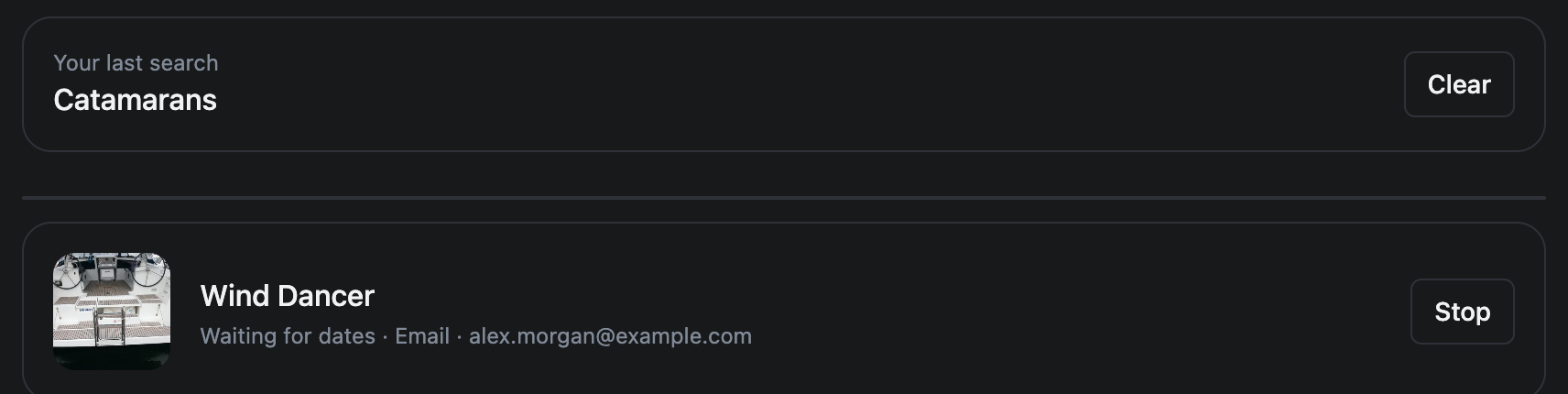
- Each alert has a line: Waiting for dates for a boat, Waiting for a match for a search, then where the email goes.
- Click Stop to end one. It is removed, and you are not emailed about it again.
At the top of the same page, Your last search shows the search we have on file for you. Clear removes it.
When the boat is held by someone else
An alert is for a boat with no dates at all. If the dates you want are held by another guest who has not paid yet, you can queue behind them instead; see How does the waitlist work?. And if you have a question about the boat in the meantime, see How do I ask the boat owner a question?.
This article is part of the booking help. If something here does not match what you see, ask Mermaid in the chat, or write to support@charter.boats.